Search or Convert button
The button adapts to your input: keywords show Search, a recognised link shows Convert. Its label tells you how your entry was read.
With YTMP3, you can convert YouTube videos to MP3 directly in your browser without installing additional software. Its simple interface brings together the tools you need to find, convert, and download the content you're looking for from any device.
The button adapts to your input: keywords show Search, a recognised link shows Convert. Its label tells you how your entry was read.
Play a result to confirm it is the recording you want. A live version and a studio take can share a title but sound very different.
Use your browser's download list to find saved files. A finished conversion is not the same as a finished transfer.
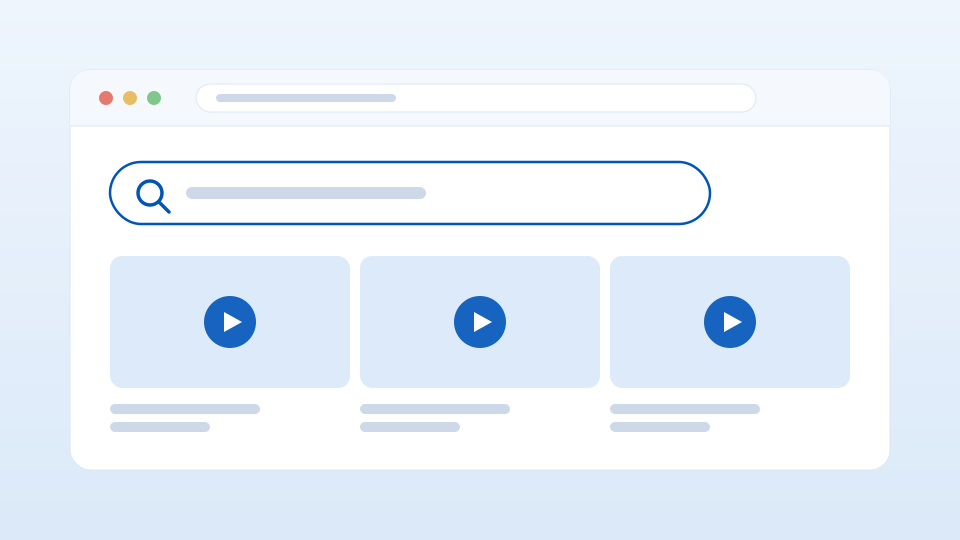
Go to YouTube.com and find the video you want to download.
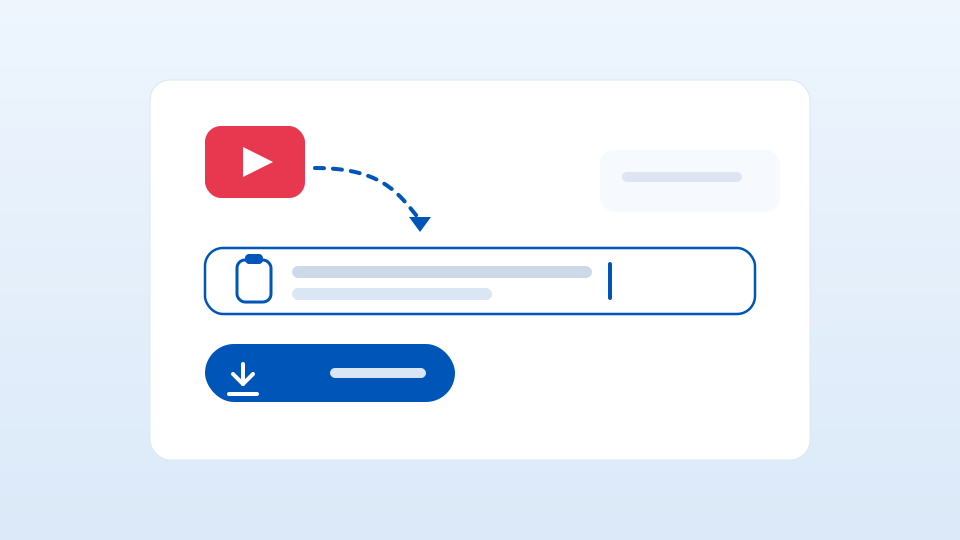
Copy the video link and paste it into our converter above.
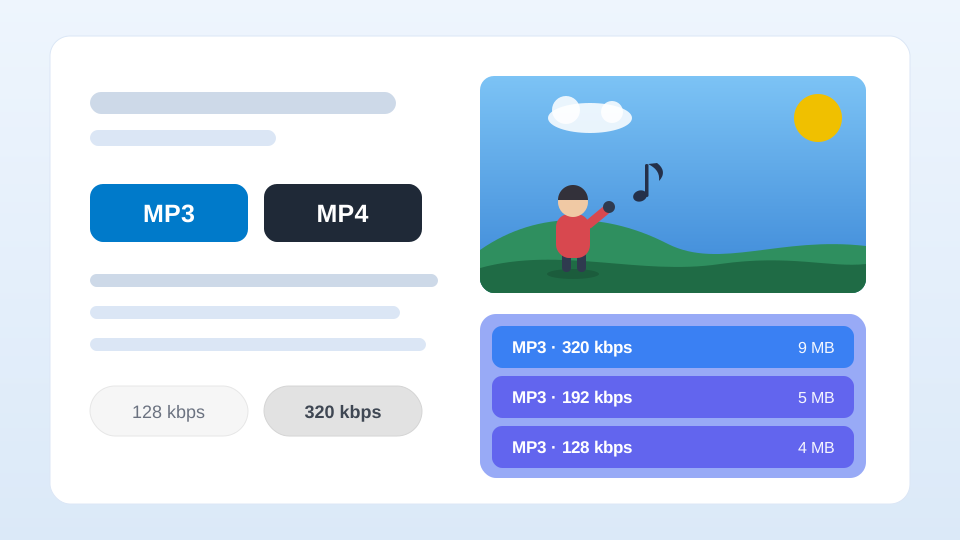
Select one of the results and click «Download» to save the file, or «Play» to listen to a preview before downloading it.
For a focused start, search from the box at the top. Questions about file handling and everyday downloads are answered on our blog and in the FAQ.
Downloading safely starts with the source. Check where a file comes from and use trusted links before you save anything, so you can reduce the risk of malware or corrupted files.
Avoid unknown or suspicious links that could put your data or your device at risk, and keep your browser and operating system up to date to stay protected against new online threats.
Reliable security software can also scan and block potentially dangerous downloads. Following these habits makes converting and downloading YouTube music to MP3 safer and more predictable.
Yes. It works directly in your browser and lets you prepare compatible YouTube content in the format you pick, with no software to install. Just paste a compatible public link and follow the process when the source is available.
No. YTMP3 runs in your web browser, so there is no app or software to install.
It is saved automatically to your device's download location.
A video may be unavailable if it is private, removed, age-restricted, region-blocked, a live stream, or otherwise inaccessible.
Not always. A higher bitrate can improve sound, but it cannot fix a file whose original quality is already low.
Sample rate and bitrate both shape MP3 quality, but only one matters more. See what each does and how to choose the right settings.
Practical ways to listen to music offline: app downloads, MP3 files, and data-saving tips to keep your music playing anywhere.
Learn how Creative Commons music works on YouTube, how to read CC licenses, and how to reuse tracks legally with proper attribution.